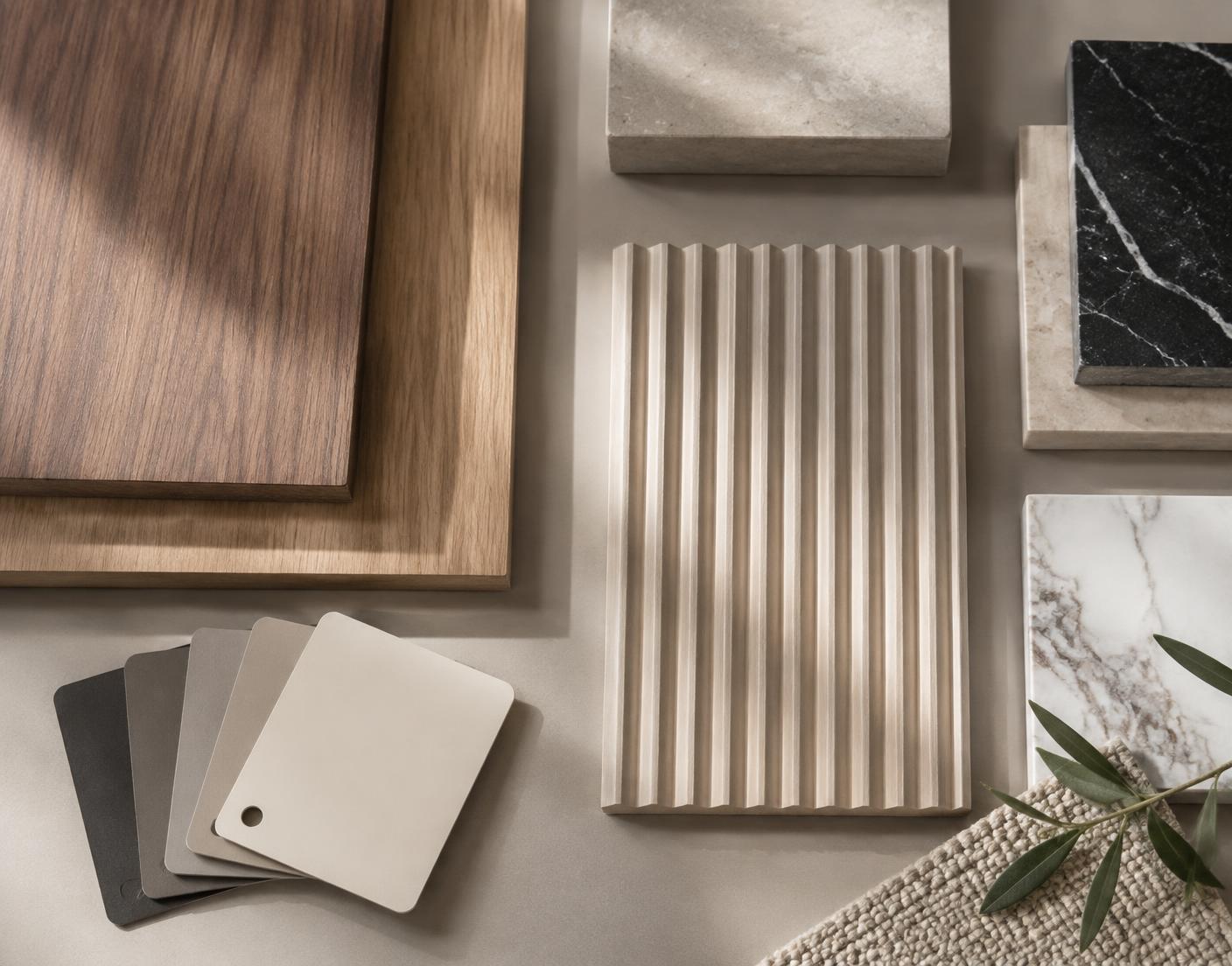
Surfaces & walls
Laminates, veneers, panelling, tiles and stone.
Place a chip-sized sample across a full wall, splashback, ceiling or floor.

Texcad AI · Try-on for materials, finishes & products
Fabrics, leathers, laminates, veneers, tiles, rugs and garment textiles — placed onto a real product photo, so people can see the finished idea before anything is made.
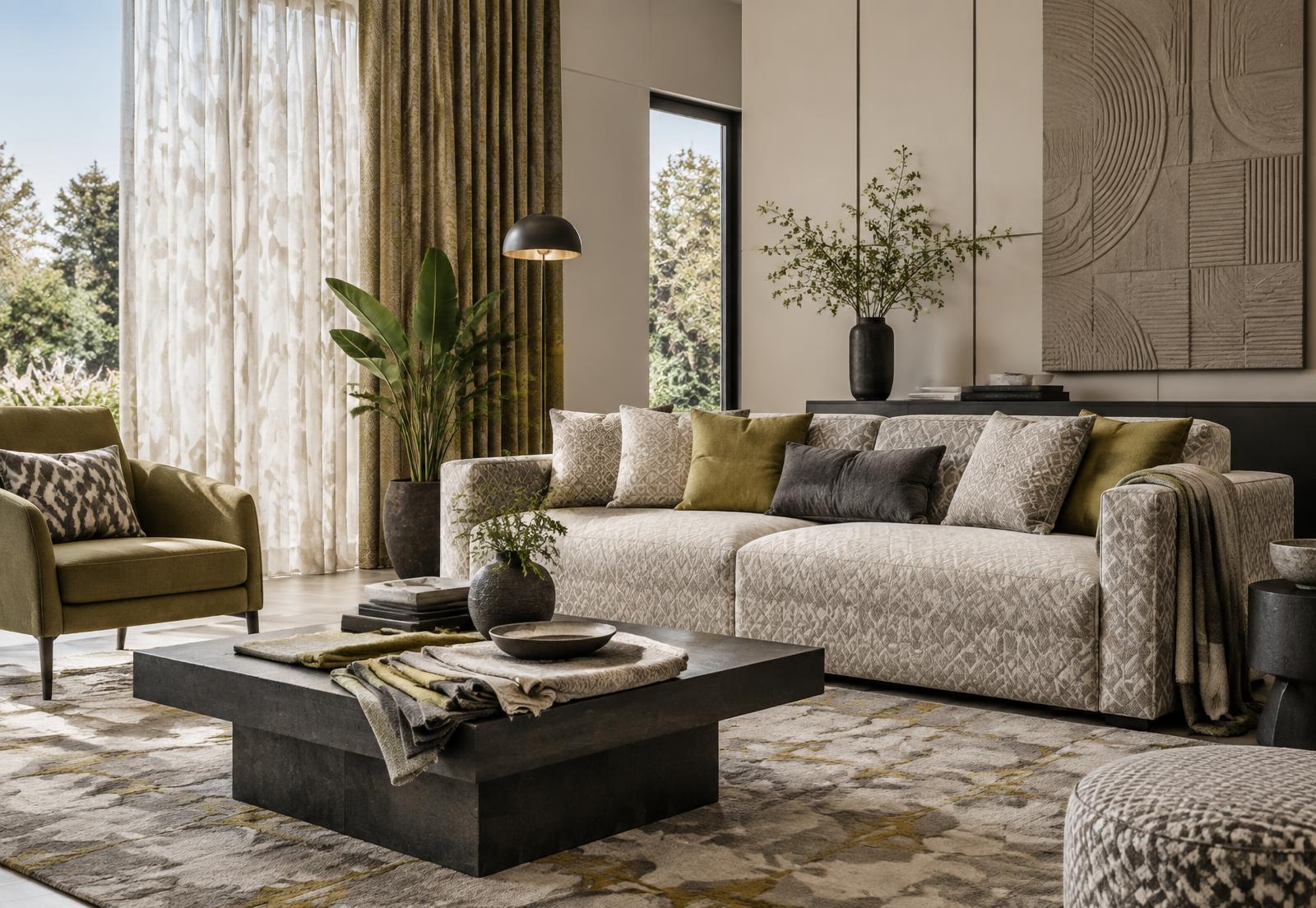
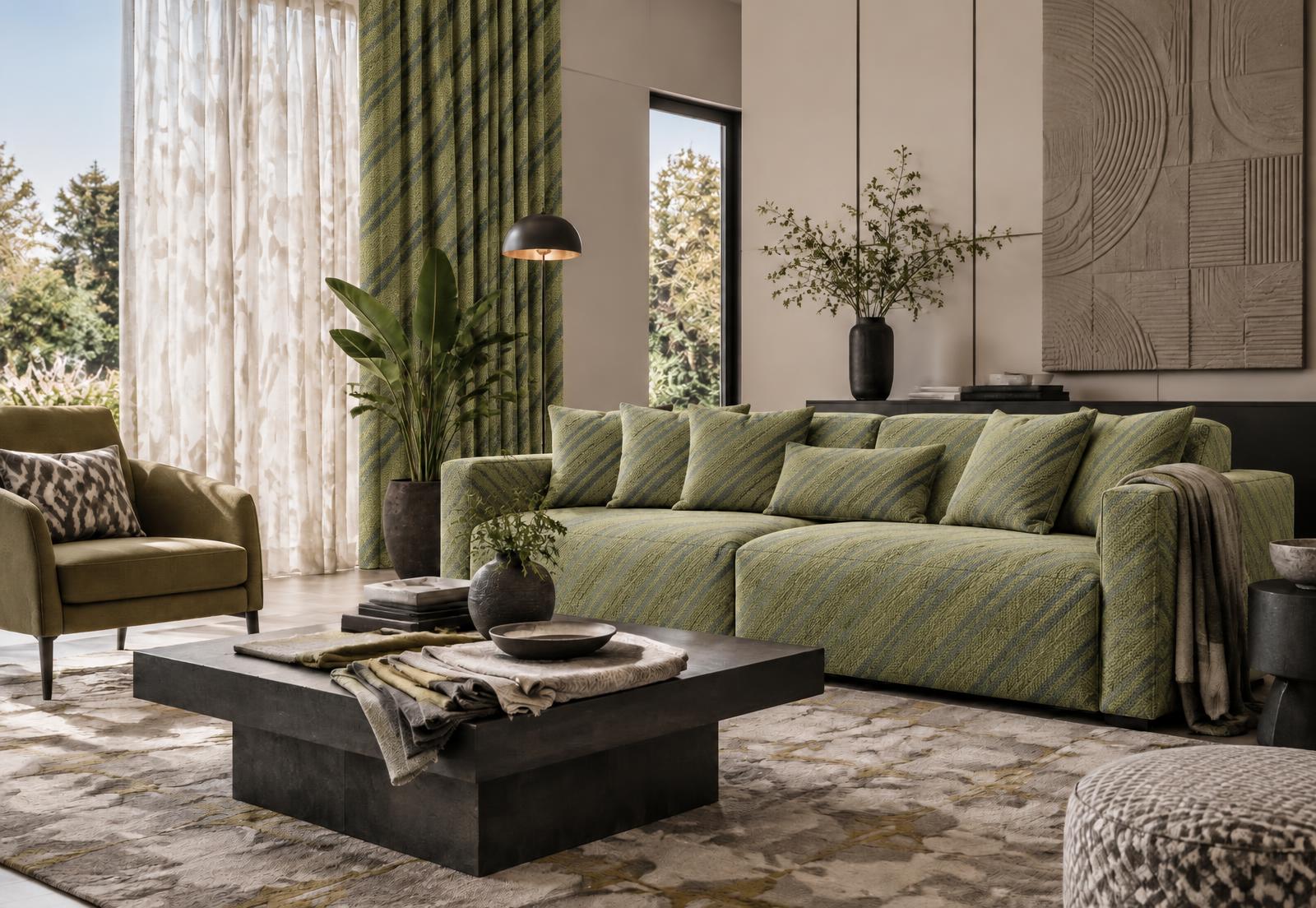
What it is
Nobody can picture a palm-sized swatch, chip or tile stretched across a whole room, a sofa or a garment. Texcad AI does it for them — for brands, mills, studios, retailers and their customers.
One technology, many canvases
Surfaces, furniture, soft furnishings and clothing — the same idea, tried on wherever it will finally live.
Laminates, veneers, panelling, tiles and stone.
Place a chip-sized sample across a full wall, splashback, ceiling or floor.
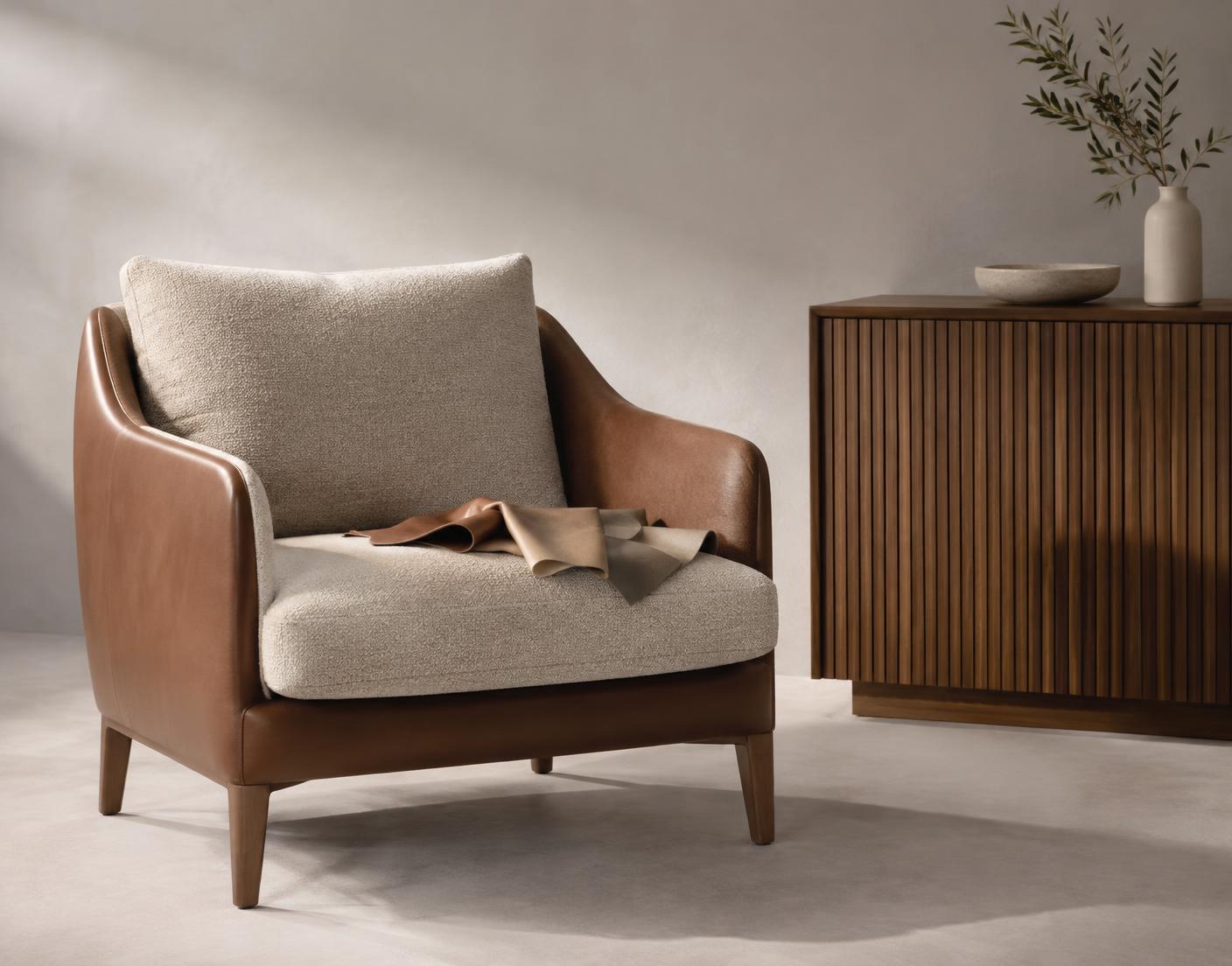
Upholstery, leather, wood and painted finishes.
Try a seat covering or a cabinet finish on the exact piece a customer is considering.
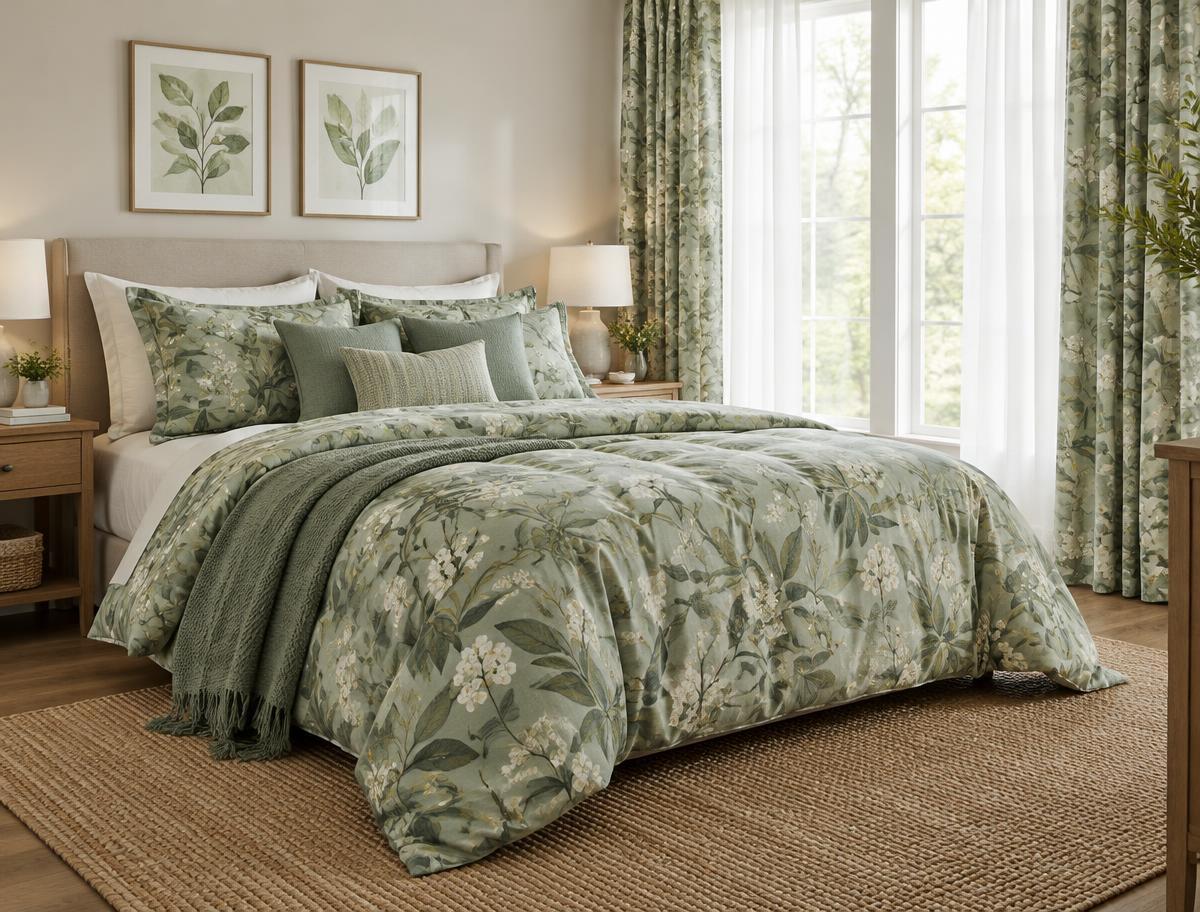
Curtains, sheers, rugs, cushions and bed linen.
Preview your fabric on bed linen, curtains or cushions in a real room photo with AI Try-on.
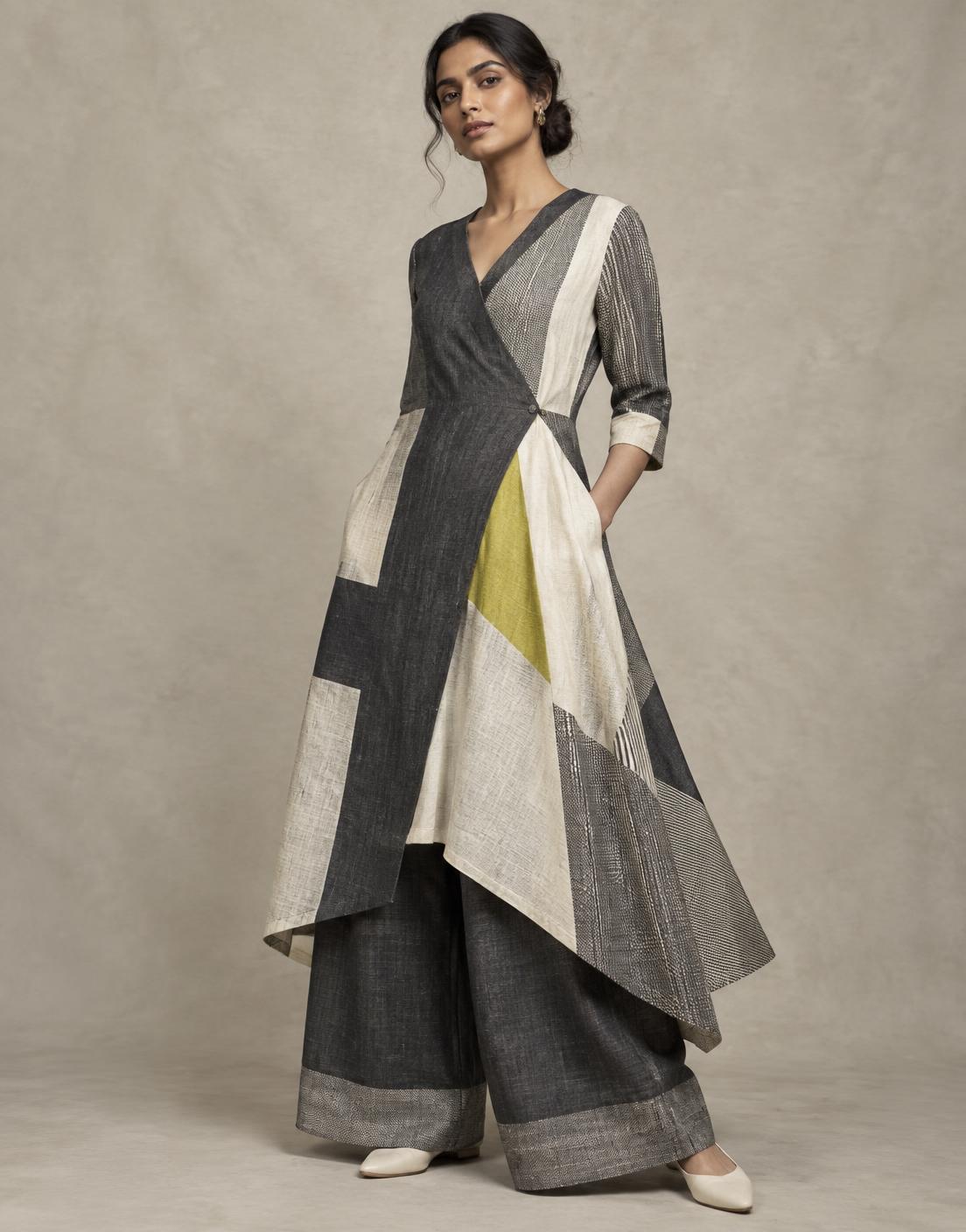
Ethnic and western garments, prints and weaves.
See a print or weave worn as a saree, kurta, dress, shirt or jacket.
The everywhere try-on link
Every design in your range gets its own ready-made try-on. No app to install, no account for you to build, no change to how you already sell.
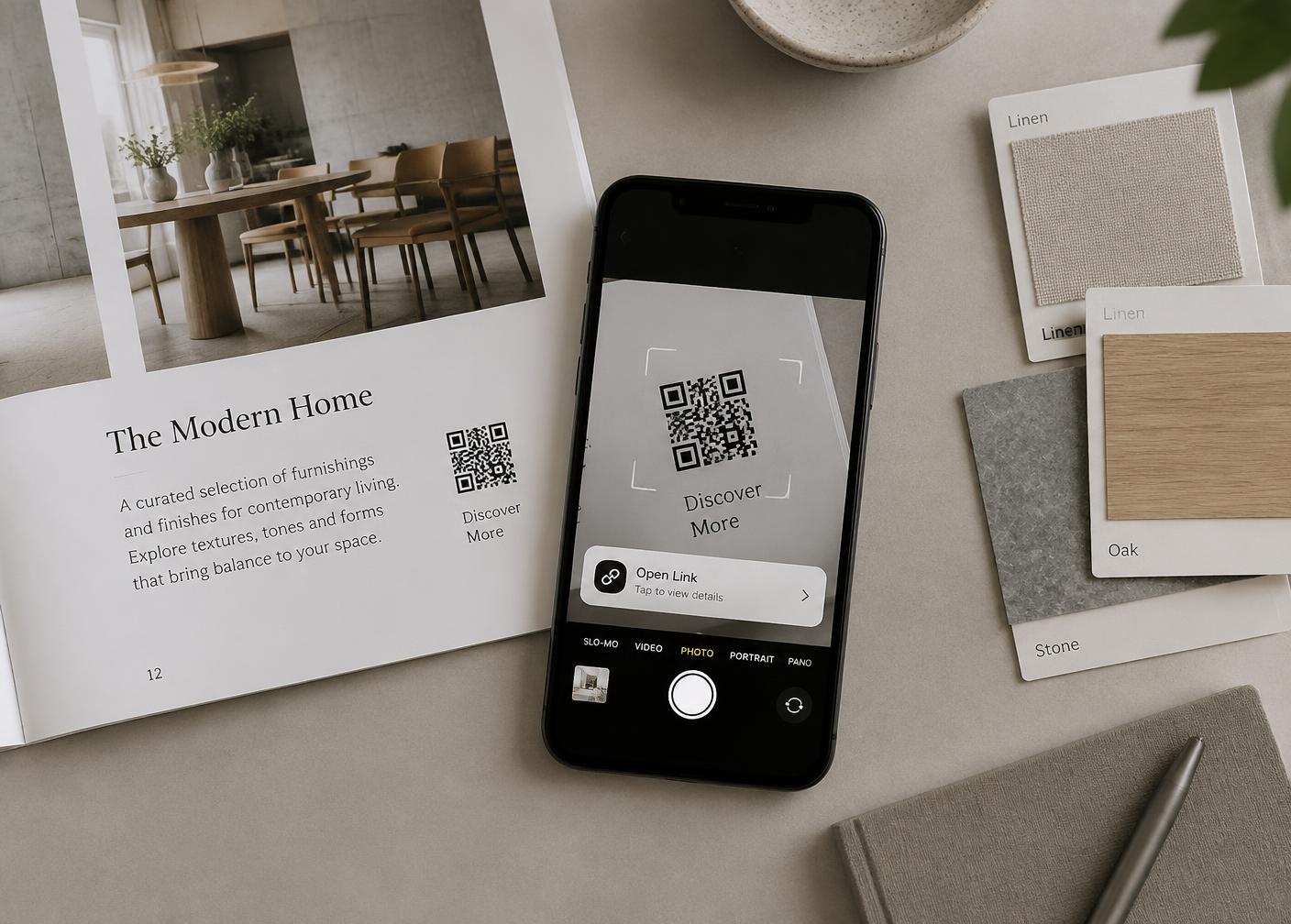
A single button opens the try-on in a pop-up, without sending anyone away from your page.
Print a code on a swatch card, sample book or shop display. A phone camera opens the try-on.
Every item in a digital catalogue can carry its own live link for buyers and designers.
Send a customer a ready link for one material — they open it and start trying immediately.
How it works
Add a swatch, laminate, veneer, tile, print or textile — one photo is enough.
Every material gets its own link, an embed and pop-up snippet, and a printable code.
They preview the material on furniture, rooms, surfaces or apparel — no app, no download.
AI Try-on
Tell us what you want your customers to see.